
Hire the Right Talent for SMEs Effortlessly
Sort out applications fast, simplify the assessment process, and select top hires affordably. Also, get instant access to your hiring data.

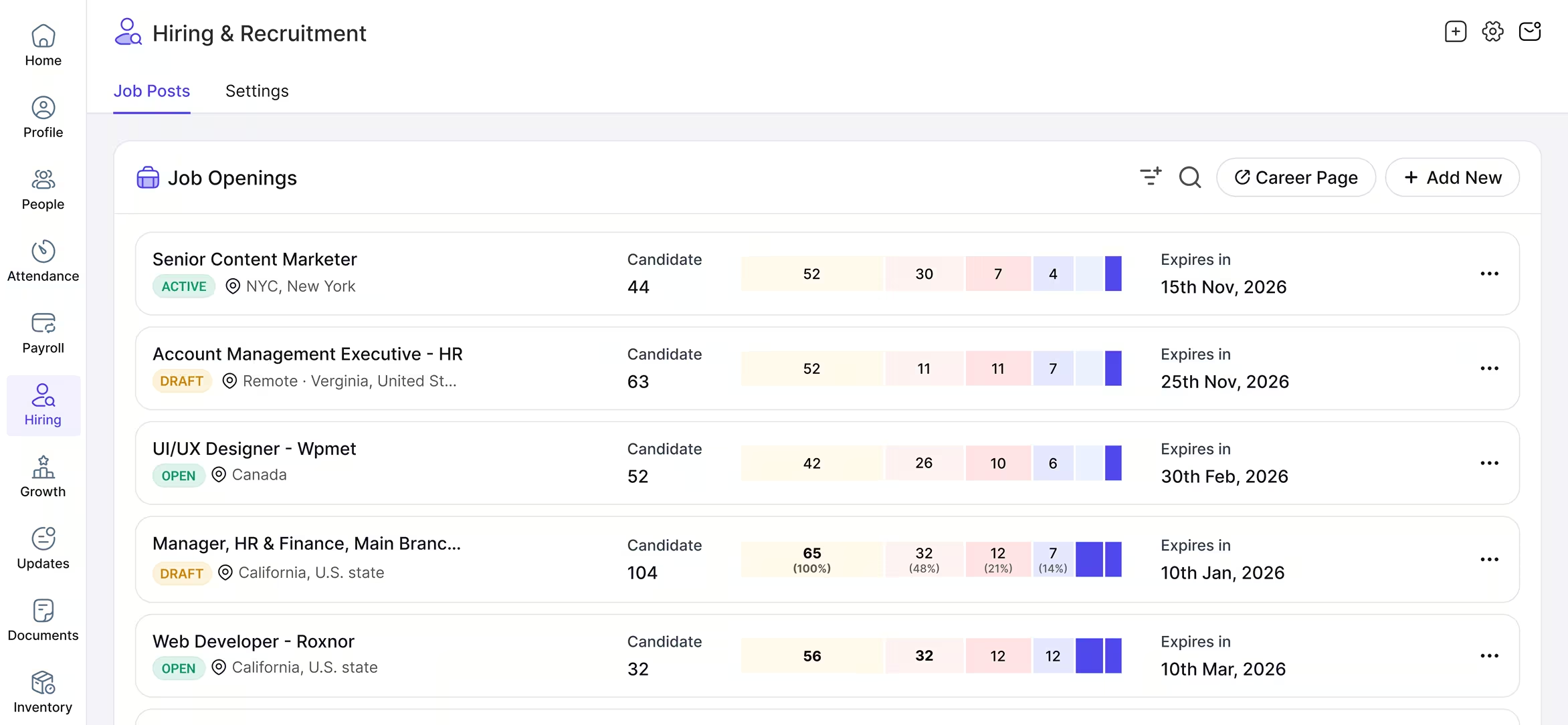
Yosuite Hiring Module At a Glance
Accelerate the Talent Acquisition Process
Attract, Assess, Acquire, and Advance the right talent with automation to enhance organizational productivity.
Job Descriptions
Create Detailed
Job Descriptions Faster
No need to sweat over drafting perfect job descriptions. Avail Yosuite to write, customize, store, publish, and reuse detailed and role-specific JDs that attract the most competent talent.
Craft role descriptions, requirements, qualifications, work locations, job type, and other related details efficiently for candidates across the globe.
Test Questions
Prepare Structured Assessment Questions
Our HR software helps you set role-specific questions for every position. Only the most qualified candidates move to the next round.
Save the questions for later use and make life easy for your candidates and yourself by setting up groups of questions for different roles.
Progress Tracker
Create Candidate Progress Status
Track candidates’ progress throughout the hiring process & place them in the right status category.
From initial assessment to first interview to final selection, change the status of the candidates and monitor their progress toward the ‘hired’ status. Add color tags to notice the status quickly.
Analytics Dashboard
Update Job
Application Statuses
Once a candidate applies for a job you posted, track the application digitally.
Move the application to the right status with a click to keep track of the entire hiring process. Also, write notes or send emails from a particular candidate’s tracking page to inform, share, or request anything.
Simplify Hiring Journey with Yosuite
Easily identify top talent and cut through the noise with the smart hiring module.
Testimonial
Our Clients Speak for Us
Yosuite has empowered tons of users to manage their hiring smoothly




An HR Tool Designed for Sustainability
Our HR tool is all about ease, security, and precision.
Ready to Try Yosuite’s All-Inclusive Hiring Tool?
Discover Our All-in-One Talent Acquisition Powerhouse!
Try Yosuite for FREE! And build a stronger workforce in no time!
HIRING FAQs
Frequently Asked Questions on Hiring
Yosuite’s Hiring and Recruitment Module lets you publish new job openings, add set of questions for various job groups, check and update the hiring status of candidates, integrate with job portals, and much more.
Yes, you can. Go to Add New from Job Openings, add the job details and follow it up with an appropriate application form for applicants to fill.
To update the progress of candidates during your hiring process, go to Hiring > Settings > Hiring Status > Add New and add the title and tag color. Then, you can customize the status to indicate the status of a job opening.
Yes, the solution integrates with selected job portals.
The feature lets you create, save, and edit a set of questions for separate job roles that you can ask candidates during the hiring process or interviews.