
Track, Monitor & Maintain Company Assets Easily
Take full control of your office devices. Yosuite helps enhance stock monitoring, perform smarter analysis, and reduce under or overstocking.

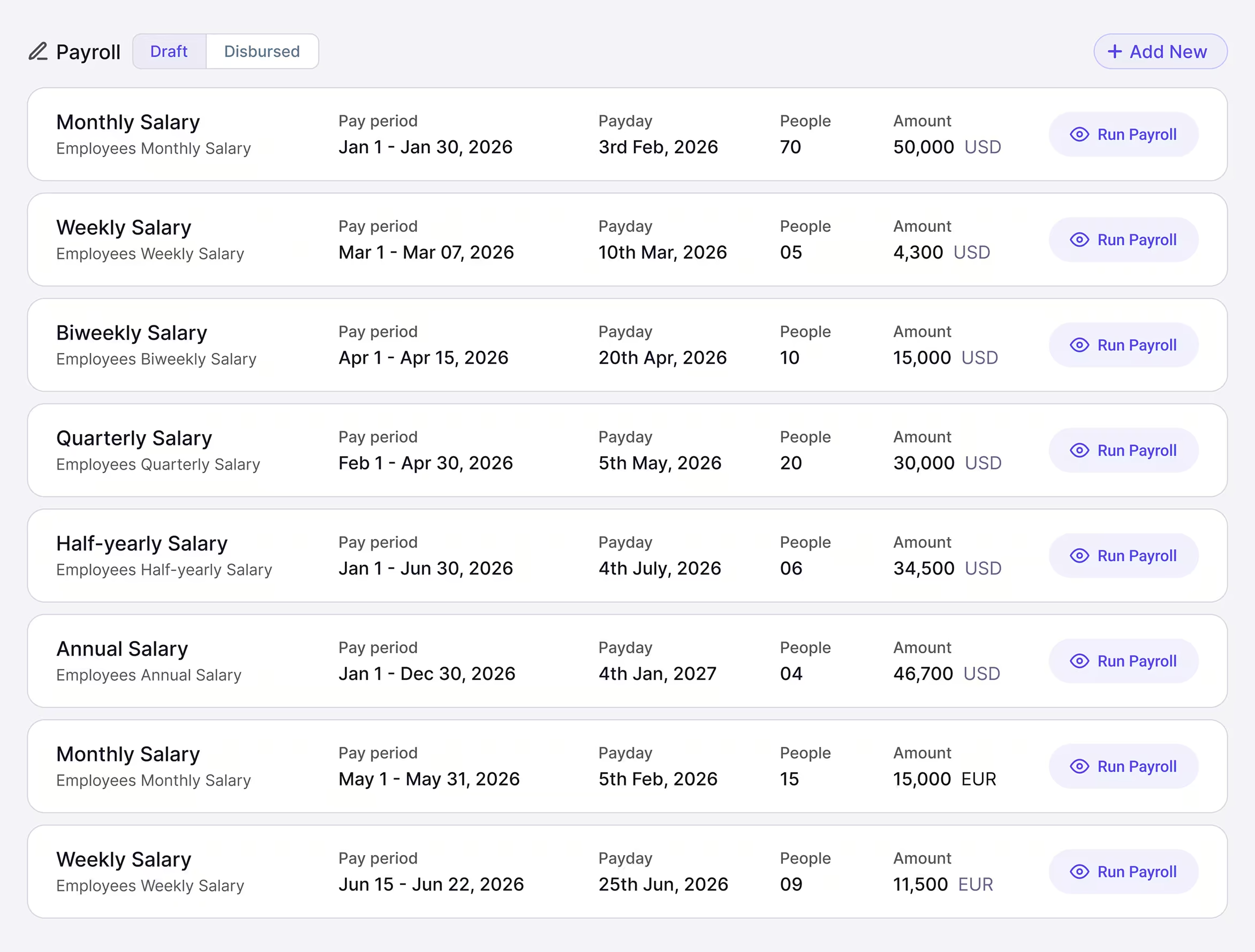
Yosuite Payroll Module Core features
Enjoy Real-time & Robust Inventory Management Daily
Keep track of assets, maintain logs continuously, and monitor the products in use, all automated, in real-time.
Stock Overview
Live Stock Overview
Keep track of repairs, maintenance schedules, vendor lists, and downtime for your products or equipment.
Quickly and accurately view the details you need to keep all assets in shape.
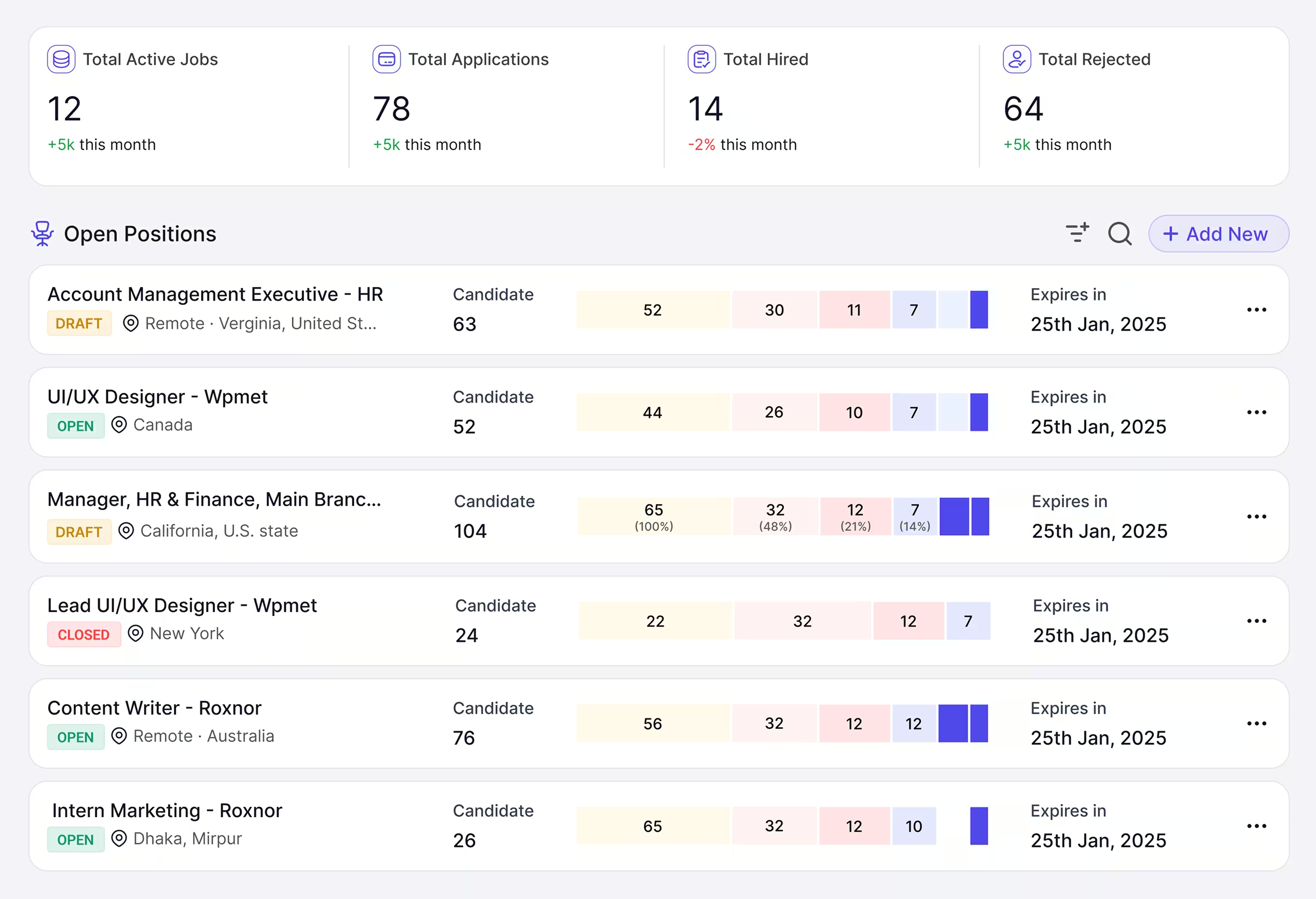
Inventory Maintenance
Detailed Inventory Maintenance
Keep track of repairs, maintenance schedules, vendor lists, and downtime for your products or equipment.
Quickly and accurately view the details you need to keep all assets in shape.
Product Record
Accurate Product Records
Maintain a detailed record of all your products, including descriptions, SKUs, costs, and vendor information.
Easily edit, update, and save info of products aligned with your operational needs.
Inventory Settings
Configurable Settings
Customize your inventory management options as per need. Make changes to product lists, vendor lists, stock categories, and more.
No more getting stuck with limited stock management options. Enhance your use with ease.
Payroll Standout Benefits
One Inventory Module For Different Categories
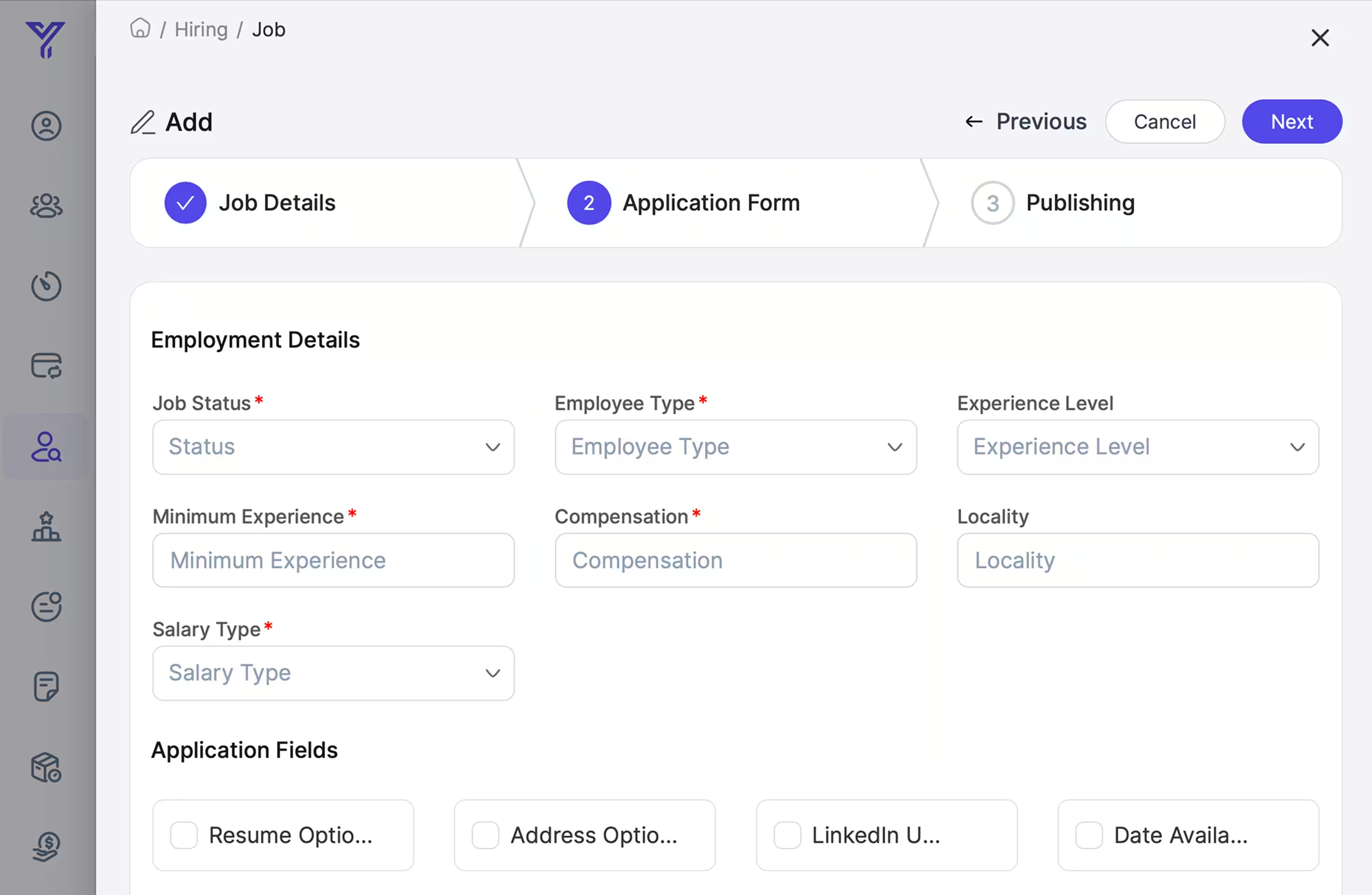
Better Manage Categories
Track Vendors Well
All-In-One Inventory Solution
Our Complete Inventory Solution is here to help!
Avail real-time stock visibility and clarity, and say goodbye to costly stockouts and overstock situations, optimizing your inventory levels through automated tracking and reporting.
The deep insights improve both product performance and vendor efficiency.
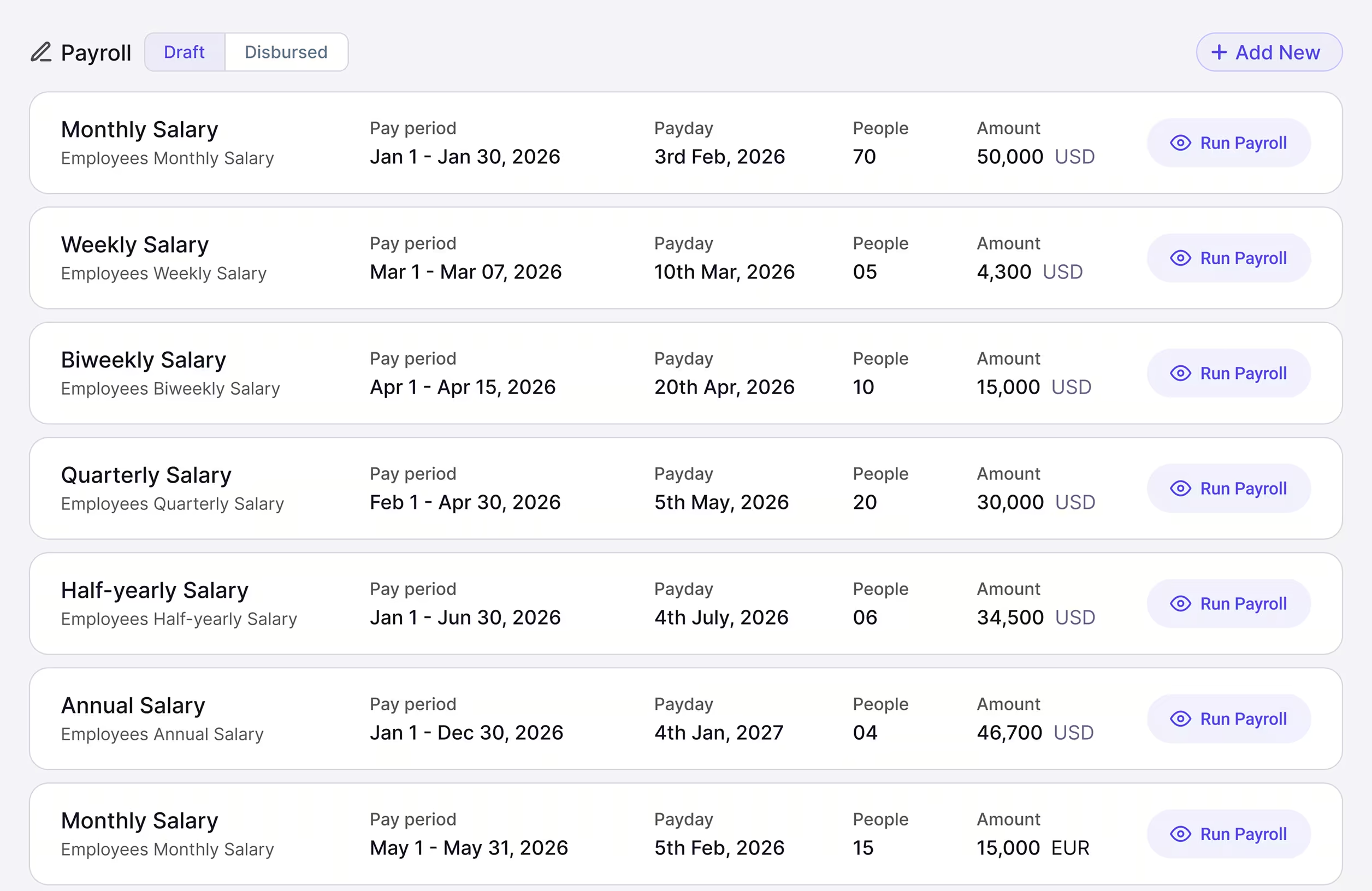
Analyze Asset Allocation Data With Your Assigned Role
Yosuite’s flexible settings let you access, view, and customize asset allocations As an Owner, Manager, or User.

Testimonial
Our Clients Speak for Us
Yosuite has empowered tons of users to manage their hiring smoothly




An HR Tool Designed for Sustainability
Our HR tool is all about ease, security, and precision.
Ready to Take Control of Your Inventory?
Smooth your business operations by signing up for a free trial of Yosuite today and experience an effortless inventory management.
FAQs
Frequently Asked Questions (FAQs)
You can add new stocks or remove old ones; view the status of products; check and update maintenance logs, add/remove vendor details, and enter stock categories.
With the Maintenance Log, you can easily track and view assets that are under maintenance, the issue(s), how much cost has been incurred, the entry/due dates, and much more!
Yes, using the feature Product Inventory > Settings > Stock Categories, you can name and list different inventory categories and organize them as per need.
Of course. Using the Vendor settings, you can effectively add vendors’ names, locations, contact details, etc.
Using the Allocation Log, users can check allocated products/stocks for each employee and their allocation dates.
It is an easy process. Move to Inventory > Product Inventory > Product Log > Product Records. You can check the list of assets or products with company with their purchasing price and date of purchase.