
Share Internal Communications with Employees Instantly
Keep all or specific employees informed & aligned with the latest announcements, notices, and updates, instantly and easily.

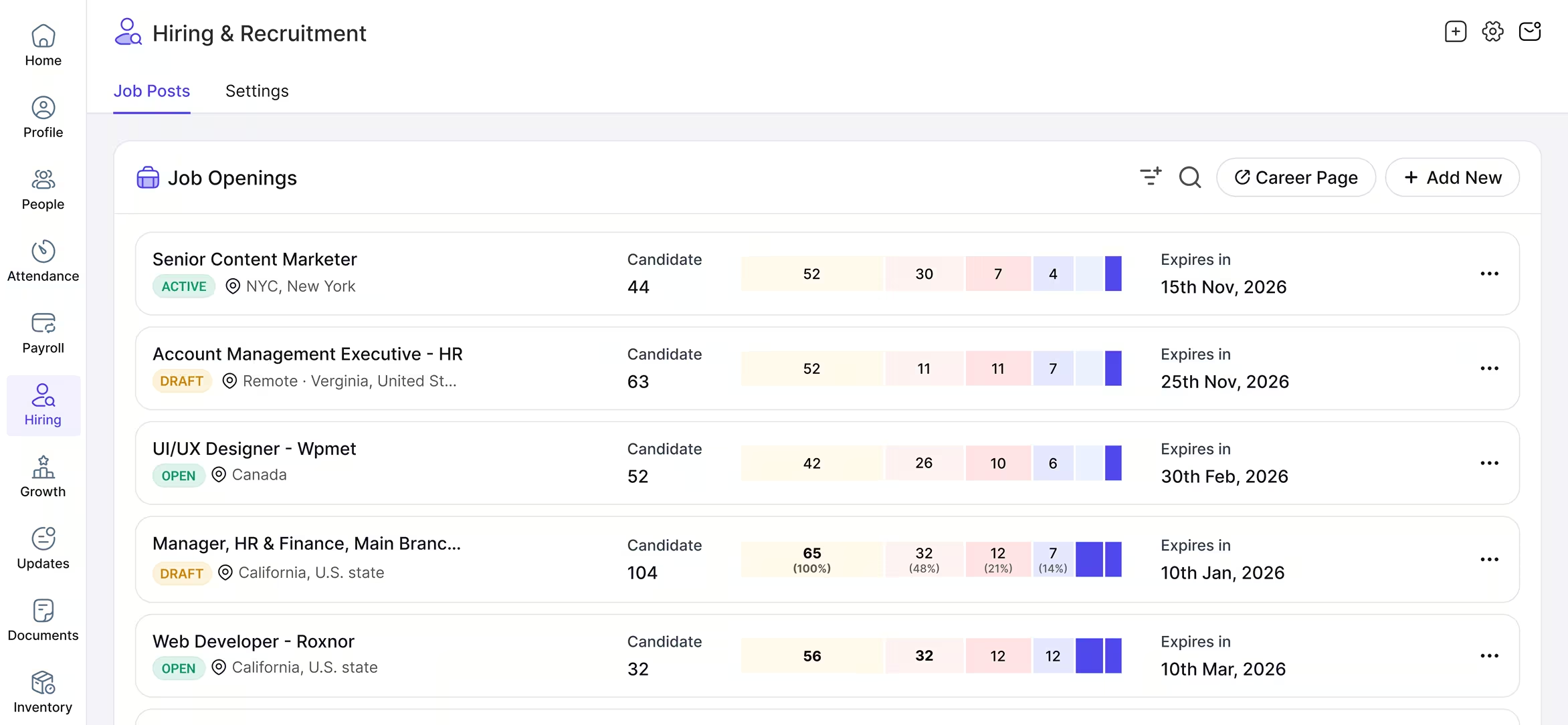
Yosuite Notices Manage Module
Keep Your Team in Sync with Timely News & Updates
Manage internal announcements with smart notifications & complete visibility. Ensure the right information reaches the right employees at the right time.
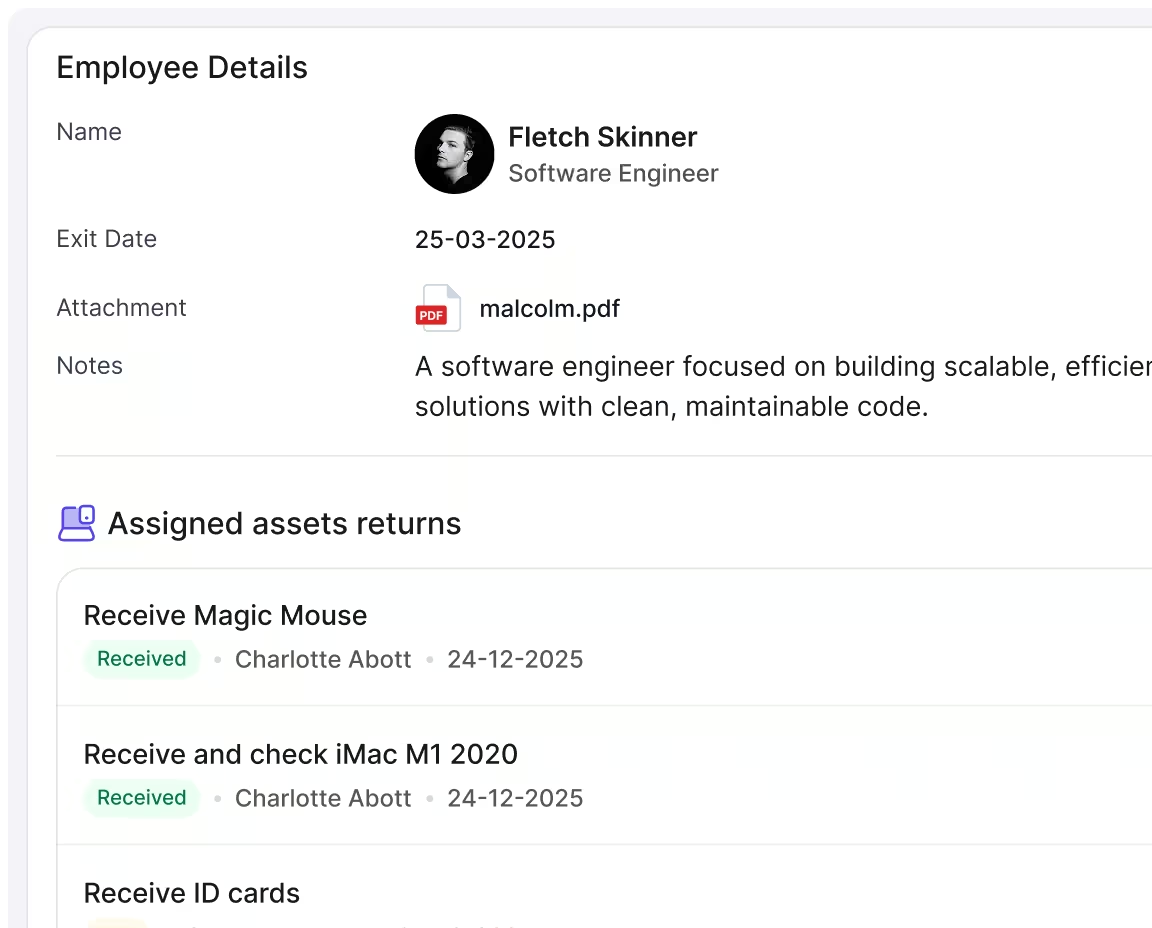
Latest Company News
Create & Deliver Announcements in a Flash
Create, edit, and publish the latest company developments and news across various categories.
Whether it’s about policy changes, urgent tasks, meetings, or training sessions, keep everyone updated 24×7.
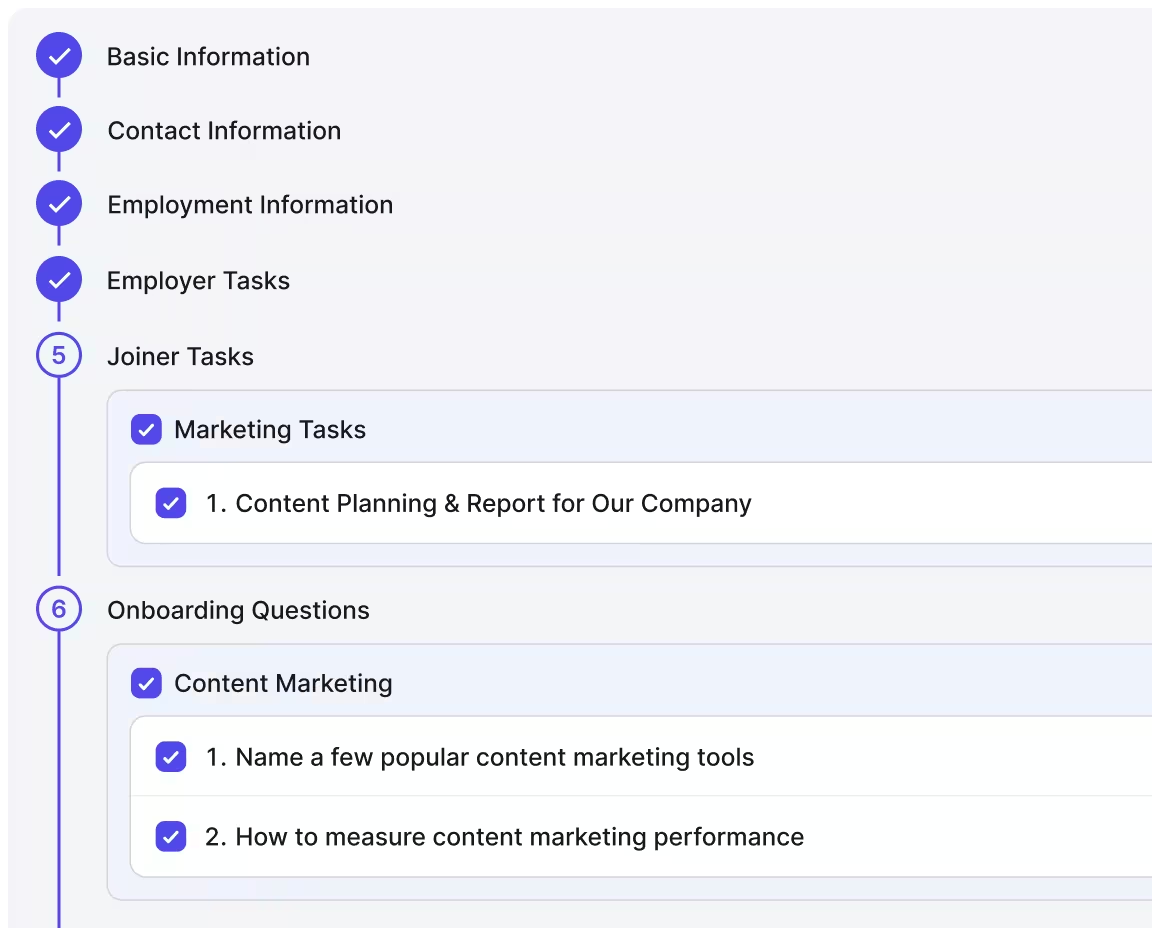
Instant Event Updates
Manage Events Effortlessly
Add, schedule, update, assign, organize, and promote all events from training sessions and town halls to company get-togethers.
Accurately inform all concerned of past, ongoing, and upcoming events.
Powerful Scheduling
Give a Complete Calendar View
Give your team a visual overview of what will happen in the upcoming weeks and months.
Let them view the scheduled events and programs monthly, weekly, daily, or in list views.
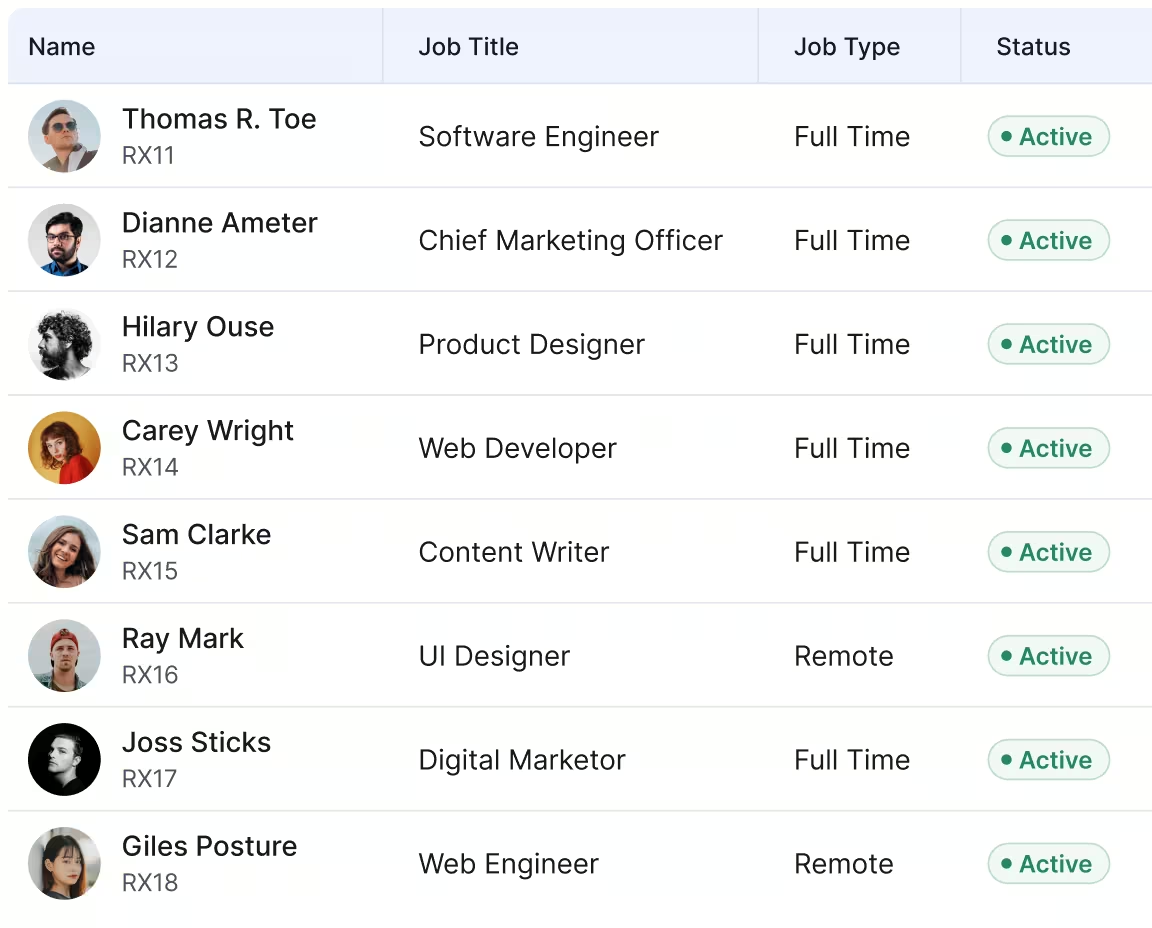
Personalized Publishing
Send Employee-specific updates
Personalize each announcement and event description as per the assigned teams and personnel.
And share the news & updates with the right employees.
Testimonial
Our Clients Speak for Us
Yosuite has empowered tons of users to manage their hiring smoothly




An HR Tool Designed for Sustainability
Our HR tool is all about ease, security, and precision.
Start Using Yosuite’s Notices Module
Share your business’s latest news & updates company-wide or with specific employees instantly & smoothly.
Notices FAQs
Frequently Asked Questions on Notices
You can view the latest news, updates, and notices regarding the company from the Homepage dashboard or from going to the Notices module to the left of your screen.
Any user with Admin or Owner access will be able to add, update, or delete any notice message. However, users with Employee access will only be able to comment on the notices and updates.
You can add any type of work-related updates using the Notices module. The module offers different categories of notices such as Announcements, Training, New Hires, Exit, Special Programs, etc.
Go to Notices > Add New and fill in the details. You can choose the category, set who the notices are sent to, additional details, and the schedule of the related event.
You have the freedom to select who gets the notice. You can choose to send the notice to all employees or select a specific group. The specific group of employees may be based on department, role, location, or just a particular person.